
Build your own bundle
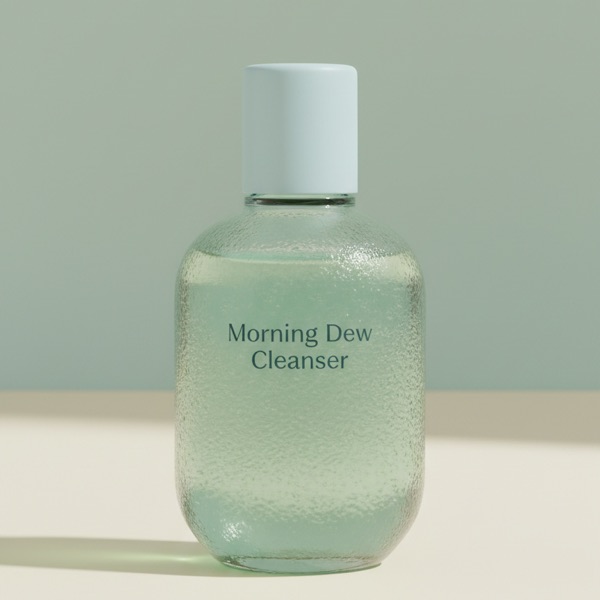
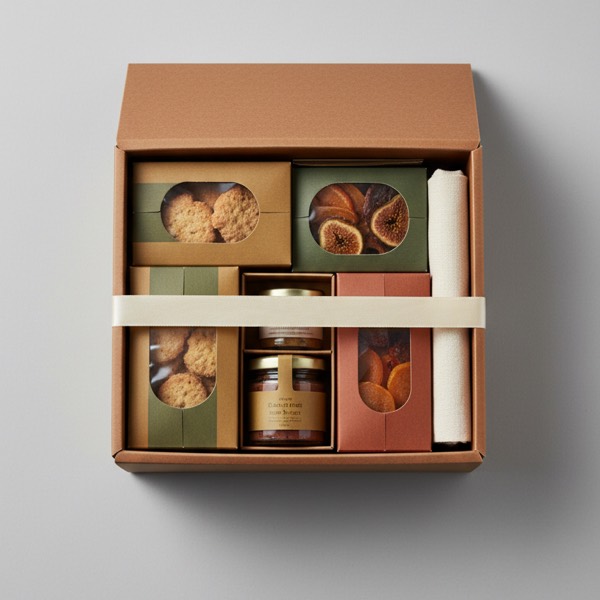
Shoppers move through steps, fill a box, and watch the tier unlock. Gift boxes, routines, snack boxes, sample packs.
- Landing page or product-page widget
- Progress, tabs or stacked steps
- Search, quick view, variant swatches
A build-your-own bundle for your Shopify store. Steps, rules and tiered discounts that apply at checkout with no discount codes. Set it up in an afternoon, no theme code.
Try the box. That is exactly what your shoppers get.

Tap products to add them
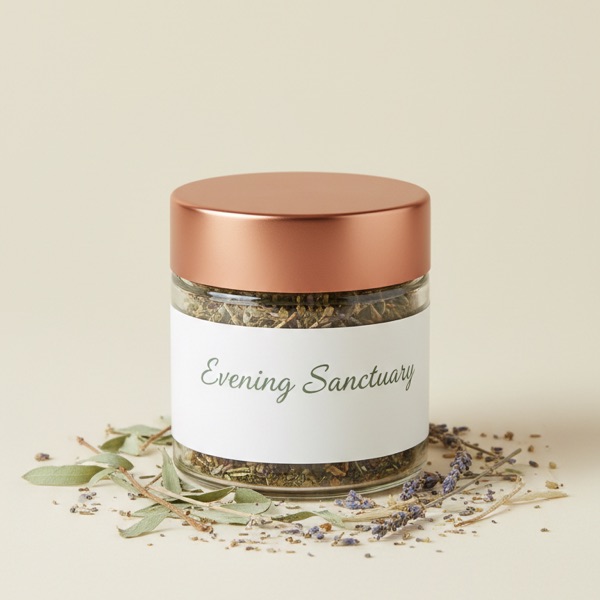 Herbal bath soak$18
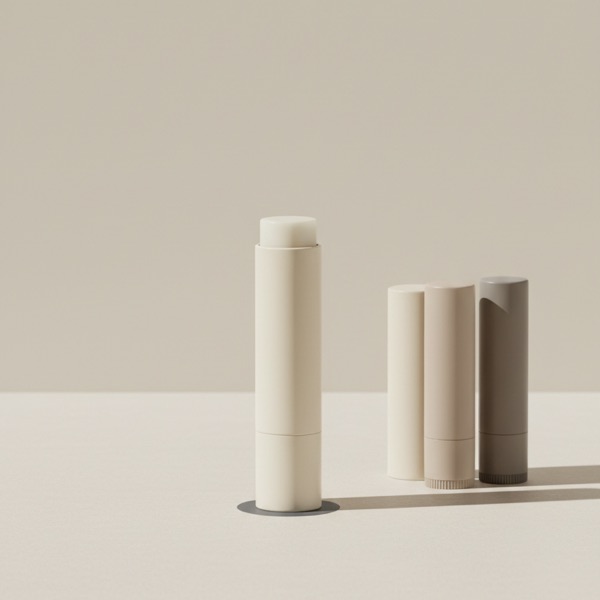 Shea lip balm$9
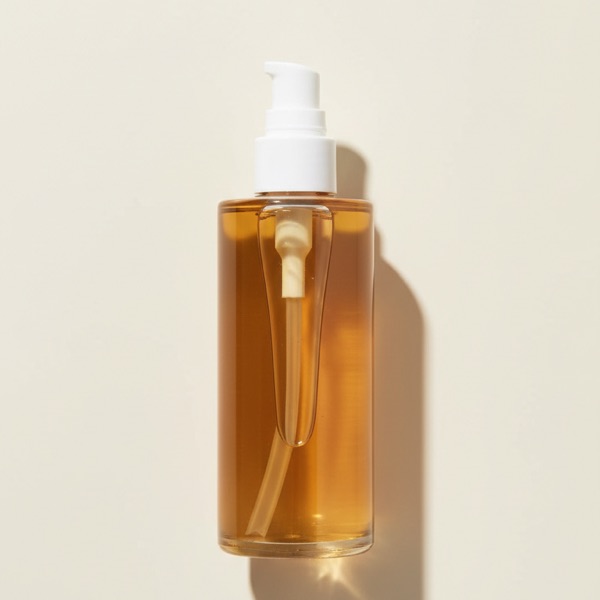 Face oil$26
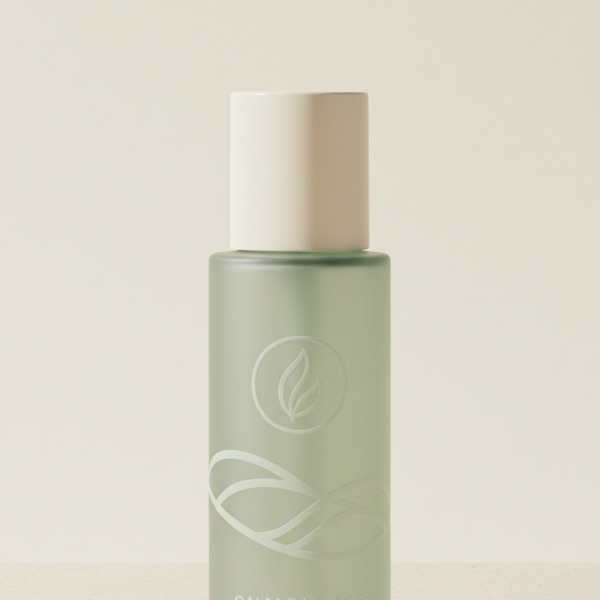 Sage toner$17
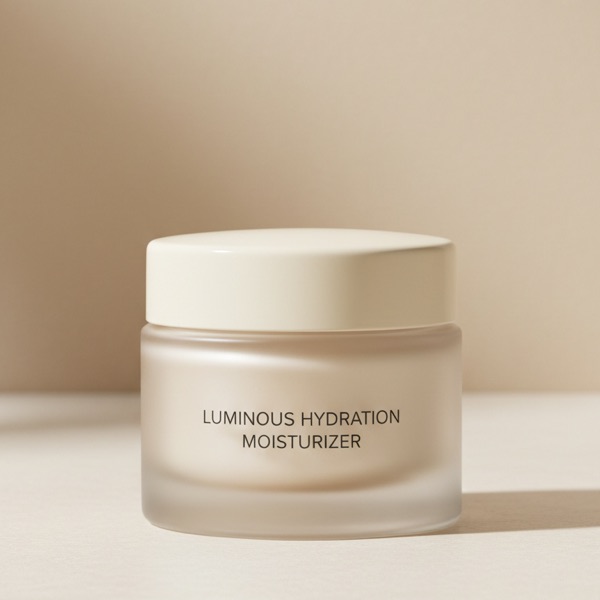 Ceramide cream$24
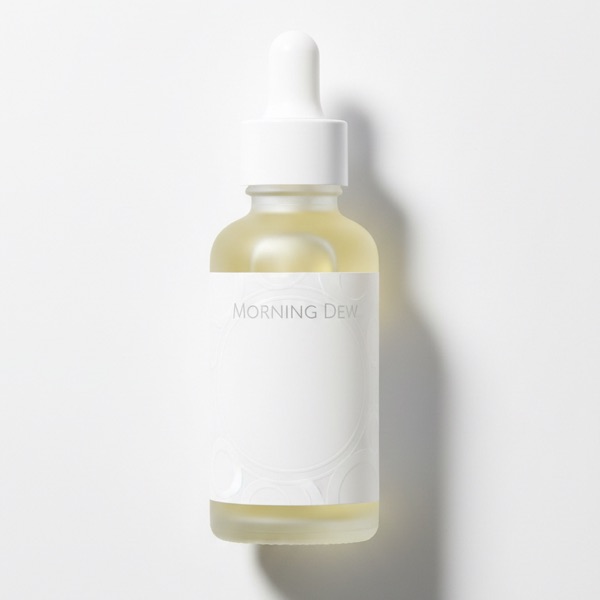 Vitamin C serum$28
Demo only. The discount applies at checkout on a real store.
Shoppers move through steps, fill a box, and watch the tier unlock. Gift boxes, routines, snack boxes, sample packs.
A kit, combo or shop-the-look set on one product page. One slot per item, and the shopper picks the size, colour or product for each slot before adding the whole set.
A starter kit, gift set or multipack. Pick the products and quantities, allow only the options you want, and Shopify's own bundles sell it on your product page.
One-time or subscribe, right above Add to cart. The plans come from the subscription app you already use, and the bundle discount stacks on top.
Each build-your-own bundle picks its own spot. Same steps, same tiers, same cart line in all three.
The bundle takes over its own product page. Same URL, your theme's header and footer.
A standalone bundle page for campaigns and links from ads or email.
A compact picker beside your theme's gallery, where the buy box would be. Reviews, size guides and recommendations stay.
Multi-option bundles always live inside the product page and use your theme's own Add to cart button.
A card below Add to cart on the products in the bundle, on products you pick or on whole collections. Views, clicks and orders tracked.
Shoppers reach a tier in the bundle and it comes off at checkout on its own. A Shopify Function applies it, so there is no code to type or leak.
A variant picker for each option, plus badges and lines from your metafields and stock. Click a spot in the live preview to fill it.
Revenue, orders and conversion per bundle, each against the last period. The table flags the one that needs work and says what to try.
Stock comes off the real products and the order carries their SKUs. Nothing to adjust by hand, and your 3PL ships what was picked.
The bundle discount is a Shopify automatic discount, listed under Discounts in your admin and applied at checkout by a Shopify Function. You choose what it combines with.
Banner, cards, steps, cart, discount display and branding with a live preview. Store-wide custom CSS when the knobs run out.
On native checkout the cart transform packs one bundle line. On a third-party checkout, switch it off and the discount still applies.
window.eliteBundle.sdk exposes live state, actions and eight events, so a developer can render a build-your-own or multi-option bundle from scratch.
Each storefront string carries translations, and the admin itself runs in five languages.
Chat with the team inside the app: about 10 minutes during IST business hours, one business day at most. Ask, and we will build your bundle for you, free.
No trial, no card, no plan to upgrade to. Every feature ships to every store from day one.
Install free on ShopifyYes. Bundles render through the Elite Embed Core app embed, which works with any Online Store 2.0 theme. A bundle can replace the product page, sit beside the product form, or live on its own page.
A Shopify Function checks the bundle at checkout and applies the tier the shopper reached. Nothing for the customer to type, nothing to leak on coupon sites.
One bundle line with the picked items listed inside it. Inventory is tracked on the real products, so fulfilment and stock stay accurate. A subscribed bundle is the exception: Shopify keeps items on a plan as separate lines.
Yes, build-your-own and multi-option bundles. Shoppers pick one-time or subscribe above Add to cart, with plans from your subscription app such as Recharge or Shopify Subscriptions, and the bundle discount stacks on the plan's saving.
Yes. Every feature, unlimited bundles, no order caps, no trial. Install it and start.
Yes. Click a spot on a card in the editor preview to show the SKU, the vendor, the stock left or a text, number, date, URL or colour metafield as a badge on the image, a line under the title or price, or a text block. Cart items have spots too, and the cart takes lines with cart data such as "Add 2 more for 10% OFF". A metafield needs storefront access in Shopify.