Blog /
Shopify app embed setup, troubleshooting and cleanup
What a Shopify app embed is, how to turn one on, why an app is not showing and how to clear leftover code. Start with your published theme.
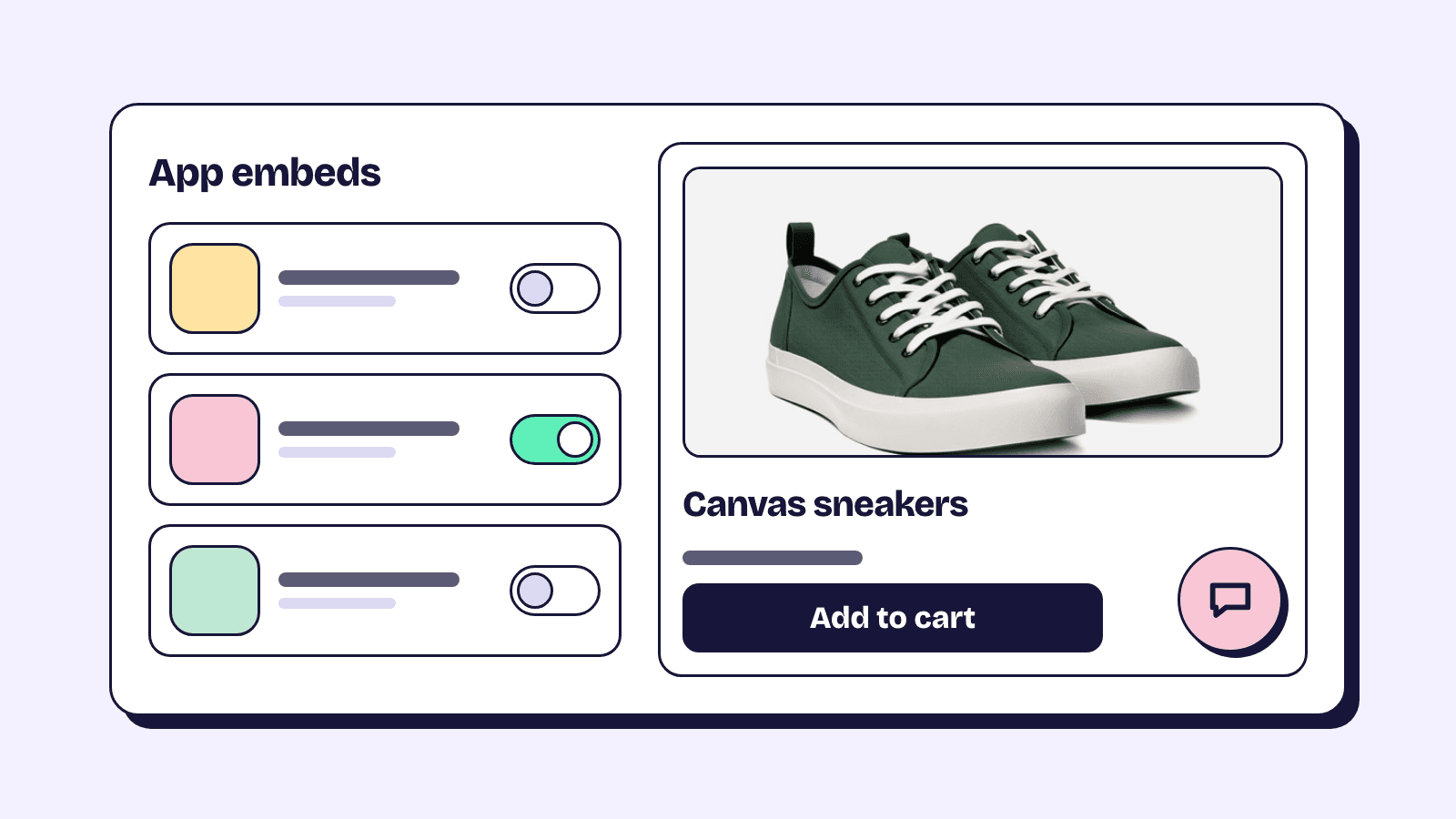
A Shopify app embed is the part of an app that Shopify adds to your theme's pages, such as a chat bubble, a reviews script or a bundle builder, and you switch it on in the theme editor under App embeds. When an app does not show on your storefront, check two things first: is its embed on in the published theme, and was its app block ever added. This guide covers both, the other causes in the order worth checking, the effect on speed, and the code uninstalled apps leave behind.
App embeds load across the theme, app blocks sit in one spot
Both come from a theme app extension, Shopify's way for an app to add to a theme without editing its files. Shopify's theme app extension docs split them by what the app shows. An app block is inline content you place in a section, like a size chart under the product description. An app embed is for apps with nothing visible or with something floating over the page, and Shopify injects it before the closing </head> or </body> tag.
| App embed | App block | |
|---|---|---|
| Where it appears | Injected before </head> or </body> |
In the section and template you add it to |
| Where you turn it on | Theme editor, App embeds icon | Theme editor, Add block or Add section, under Apps |
| Theme support | Any theme, vintage or Online Store 2.0 | Online Store 2.0 themes (JSON templates), in sections that accept app blocks |
| Right after you install the app | Off | Not added |
The last row catches people. Shopify's docs say embeds are deactivated by default and themes don't include app blocks after an install, so an app that installed fine can still do nothing on the storefront.
An embed only covers the online store theme. Logic an app runs in checkout through Shopify Functions, such as an automatic discount, is not part of the theme. For bundles, how Shopify bundles work in cart, checkout and orders shows which parts run where.
How to turn on an app embed in the theme editor
These steps follow Shopify's help page on apps in your theme:
- From your Shopify admin, go to Online Store.
- Next to the theme you want, click Edit theme. Some app guides still call this button Customize.
- If you sell in several markets, pick one from the Market drop-down first. Otherwise the change applies to the Store default.
- In the sidebar, click the App embeds icon.
- Click the toggle beside the app's embed. Expand it for its settings.
- Click Save, then preview your store.
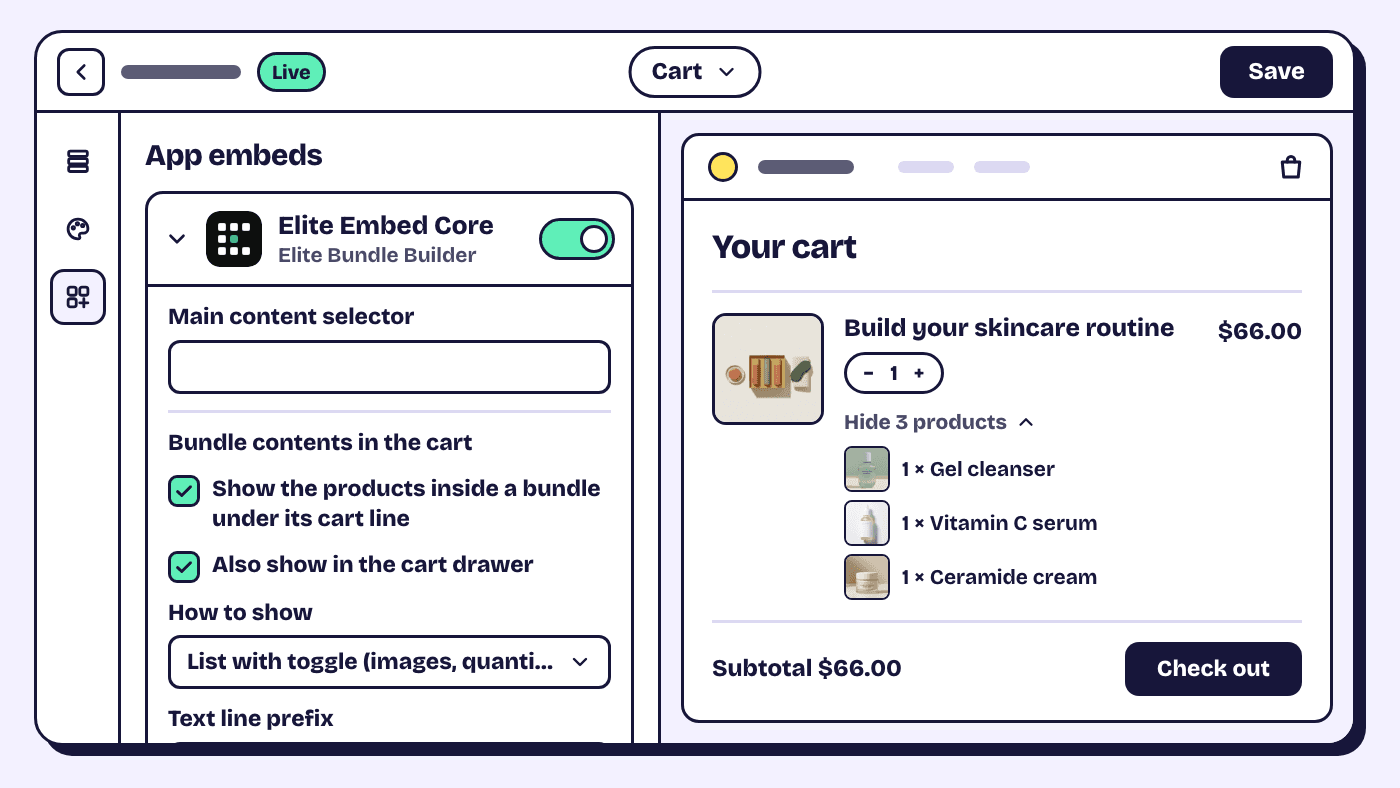
An app's deep link can open the theme editor with its embed already on, as a preview until you click Save, and Sidekick in the theme editor can turn an installed embed on or off or change its settings.
How to add an app block to a section
- Go to Online Store and click Edit theme.
- Open the template you need from the drop-down in the middle of the top bar, then select the section.
- In the sidebar, click Add block and pick the app's block from the Apps group.
- Drag it into place, adjust its settings and click Save.
To give an app a section of its own, click Add section and choose it under Apps.
No Apps group in the picker means that section does not accept app blocks, or none of your installed apps has a block for it.
Why an app does not show on your storefront
Work down these checks in order; the early ones are quickest.
The embed is on in a different theme
Embeds and blocks belong to one theme. Switch an embed on in a draft and the published theme still has it off. When you change your published theme, Shopify's help center says you need to re-activate your apps in the new theme, because they won't be active by default. The same goes for a duplicate: it has its own App embeds panel, so check the theme customers actually see.
A theme update is the exception. Shopify adds it as an "Updated copy of" theme, and the help center on updating themes says app embed and app extension settings made in the theme editor carry over. You still have to publish the copy.
A bundle app shows what an embed that is off looks like. Elite Bundle Builder renders bundle pages through one embed, Elite Embed Core, and with it off on the published theme a bundle opens as a plain product page. That is why switching it on is step one of the build your own bundle tutorial and the first check in its storefront troubleshooting checklist.
The app block is missing, or on another template
An app block shows only where you placed it. A product can use an alternate template, chosen under Theme template on the product's admin page, and a block added to one product template does not appear on the others. If the theme editor shows the app but the live page does not, Shopify's theme troubleshooting guide says to check which template you are editing.
The embed is set for another market
An embed can be on for one market and off for another. Choose the market from the Market drop-down in the theme editor and look at App embeds again.
The store is in private mode
A private store shows visitors a password landing page instead of your pages. Enter the password yourself when you test. To open the store, go to Online Store, click Private, choose Public, then Update.
The theme cannot hold app blocks
App blocks need an Online Store 2.0 theme and a section that accepts them, while embeds work on any theme. On a vintage theme, ask the developer whether a block-based app supports it at all.
Your browser is showing an old copy
Shopify's troubleshooting guide starts by ruling out your device: clear the cache and cookies, then try a private window, another device or the Shopify app. If every check passes, contact the app's developer with the page URL and theme name, through Get support under Settings, Apps.
App embeds affect speed, so measure before and after
An embed you turn on can add scripts and styles to every page. Shopify tells developers to load scripts only on the pages that need them, but each app decides what it loads. For the Built for Shopify badge, Shopify's requirements say an app must not reduce the storefront Lighthouse performance score by more than ten points.
Check your own store two ways.
Real visits in the web performance reports
Go to Analytics, then Reports, and open the web performance reports. They rate loading speed (LCP), interactivity (INP) and visual stability (CLS) from real visitors over the past 30 days; good means 2,500 ms or less, 200 ms or less and 0.1 or less.
App installs and theme changes appear as numbered markers on the over-time charts, so you can see whether a drop lines up with a new embed. Data can lag up to 36 hours.
A lab test in PageSpeed Insights
Shopify measures an app's storefront impact with Lighthouse on the home, product and collection pages, weighted 17%, 40% and 43%. Do the same in PageSpeed Insights on the Mobile tab with the embed on and off, and average a few runs because scores move. For a private store, test the preview link: in Online Store, Themes, right-click View your store and copy the link.
To find which app is heavy, Shopify's guide to auditing third-party scripts suggests blocking one domain at a time in your browser's developer tools and reloading. The easiest win is an embed for an app you no longer use: switch it off.
What Shopify removes when you uninstall an app, and what you remove
Shopify removes the theme app extension. Its docs say the blocks tied to an uninstalled app, embeds and app blocks alike, are "automatically and entirely removed" from your themes, and script tags the app created go with it.
Code written into your theme files stays. The help page on uninstalling apps says some apps add theme code that isn't removed automatically, so read the listing for uninstall steps, ask the developer, and export any data you want to keep first.
To clear leftover code:
- Duplicate the theme. In Online Store, open the theme's actions menu (the three dots) and click Duplicate.
- From the same menu, click Edit code to open the code editor.
- Search for the app's name and the domain its scripts came from. Check
layout/theme.liquidfor script tags. - In the
snippetsfolder, look for files named after the app and the{% render %}or{% include %}tags that load them. Delete the tag and the snippet together. - In the theme editor, check any Custom Liquid sections, where app code is sometimes pasted.
- Save, then view the source of a live page and search for the app's domain to confirm it is gone.
A file's Timeline view can restore an earlier version, one file at a time. It cannot bring back a deleted file, and CSS and JavaScript assets have no Timeline, which is why the duplicate comes first.
Our view: before installing a storefront app, check whether it works through embeds and blocks or asks to edit theme code. Built for Shopify rules say an app shouldn't edit a merchant's theme files outside narrow exceptions, so the badge is a fair hint that cleanup will be short.
Script tags stop on 1 March 2027, so expect more embeds to switch on
Some apps still load storefront code through script tags, which never show in the theme editor. Shopify's developer changelog sets two dates: since 1 October 2026 apps cannot create or update script tags, though existing ones keep running, and on 1 March 2027 Shopify stops injecting them into storefronts.
The replacement is an app embed, which starts switched off. If an app you rely on asks you to turn on a new embed before March, do it, then check the storefront once: Shopify warns that a script tag and its replacement running together load the script twice, which can double-count analytics or show a widget twice. Apps that only collect analytics move to web pixels, which need nothing from you.
Frequently asked questions
Do I have to turn the app embed on again after changing themes?
Yes, for a different theme. Embeds are saved per theme and are off in a new one, so switch each app on under App embeds before you publish it. A theme update keeps the app embed settings you made in the theme editor.
Does uninstalling an app remove its app embed?
Yes. Shopify removes an app's embeds and app blocks when it is uninstalled, along with the script tags it created. Code the app or a developer wrote into your theme files stays until you delete it.
Why is an app missing from the App embeds list?
The list shows embeds from installed apps, and not every app has one. An app that only offers blocks appears under Apps in the block picker instead, and an app that adds nothing to the storefront appears in neither.
Can an app embed slow down my store?
It can, because an embed can load scripts and styles on every page. Compare your web performance reports around the date you turned it on, or test in PageSpeed Insights with the embed on and off.